
Beginner
DevOps and Cloud
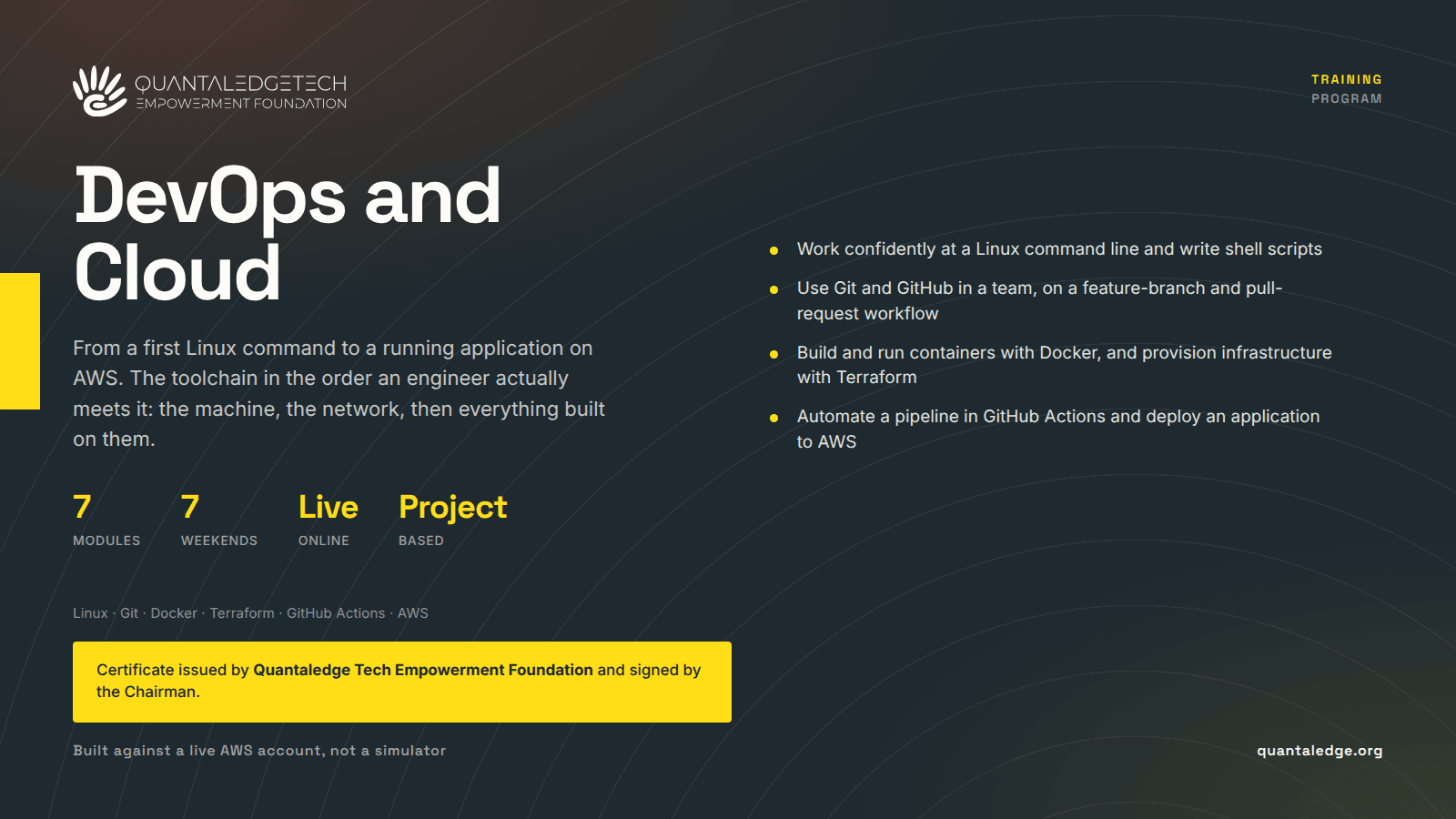
From a first Linux command to a running application on AWS. Covers the operating system, networking, Git and GitHub, Docker, Terraform, GitHub Actions and AWS, in the order an engineer actually meets them, with every session ending in hands-on work against real tooling.
- 46 lessons
- Beginner
- 1 enrolled
This course takes beginners from their first Linux command to a running application on AWS. It covers the working DevOps toolchain in the order an engineer actually meets it: the operating system, then the network, then version control, then containers, then infrastructure as code, then the pipeline that ties them together, and finally the cloud they all deploy onto.
It is built for people with no prior experience and it is project-based throughout. Every session ends in hands-on exercises against real tooling rather than slides, and a short midweek session exists specifically to unblock people on their assignments.
What a graduate can do
- Work comfortably at a Linux command line: navigate the file system, manage permissions and ownership, install packages, and write a simple shell script.
- Reason about the networking a deployment depends on, and diagnose a connection with ping, traceroute, netstat, curl and telnet.
- Use Git and GitHub in a team, running a feature-branch and pull-request workflow.
- Build and run containers: write a Dockerfile, manage images, volumes and networks, and stand up a multi-container application with Docker Compose.
- Provision infrastructure as code in Terraform, through init, plan, apply and destroy, handling state and outputs and factoring configuration into reusable modules.
- Automate a pipeline in GitHub Actions, running tests on commit and building a Docker image on push.
- Find their way around AWS: EC2, S3 and IAM, VPC basics, and the cloud security principles that govern them.
- Deploy a working application to AWS, launching an EC2 instance, serving files from S3 and attaching a security group that controls who can reach it.
How it is taught
Seven teaching weekends, one session each of two to three hours, plus a thirty-minute midweek catch-up for assignments and blockers. Online and instructor-led. Learners are given access to the AWS Console and hands-on labs, so the cloud work is done against a live account rather than a simulator.
Assessment and certification
Project-based, with weekly quizzes and tests to track progress. Assignments are set each weekend and submitted on a deadline.
Finishing the course does not produce a certificate on its own. The certificate is issued by Quantaledge Tech Empowerment Foundation and carries the signature of the Chairman.
Before you start
None. No prior Linux, networking or programming experience is assumed.
Taught cohorts
You can work through this course on your own at any time. These are the dates it is also being taught, with a facilitator and a group starting together.
What the course covers
7 modules · 46 lessons
1. Linux fundamentals
Make learners comfortable in a Linux environment: distributions and the command line, file system navigation, permissions and ownership, core commands, package management with apt and yum, and simple shell scripting.
- Linux OS basics: distributions, CLI against GUIEnroll to open
Reading · optional
- File system navigation: ls, cd, pwd, mkdir, rmEnroll to open
Reading · optional
- File permissions and ownership: chmod, chownEnroll to open
Reading · optional
- Basic commands: cat, grep, find, echo, manEnroll to open
Reading · optional
- Package management: apt, yumEnroll to open
Reading · optional
- Simple shell scripting: variables, loops, basic scriptsEnroll to open
Reading · optional
- Hands-on exercisesEnroll to open
Reading · optional
2. Networking basics for DevOps
IP addresses, subnets and gateways, DNS record types, ports and protocols, firewalls and basic security rules, the diagnostic commands, and client-server communication.
- IP addresses, subnets, gatewaysEnroll to open
Reading · optional
- DNS basics: A, CNAME and MX recordsEnroll to open
Reading · optional
- Ports and protocols: HTTP, HTTPS, SSH, TCP and UDPEnroll to open
Reading · optional
- Firewalls and basic security rulesEnroll to open
Reading · optional
- ping, traceroute, netstat, curl, telnetEnroll to open
Reading · optional
- Introduction to client-server communicationEnroll to open
Reading · optional
- Hands-on exercisesEnroll to open
Reading · optional
3. Git and GitHub
Repositories, commits and branches, cloning, pushing, pulling and merging, the feature-branch and pull-request workflow, GitHub issues and remotes, and an overview of GitHub Actions.
- Git basics: repositories, commits, branchesEnroll to open
Reading · optional
- Cloning, pushing, pulling, mergingEnroll to open
Reading · optional
- Git workflow: feature branches, pull requestsEnroll to open
Reading · optional
- GitHub basics: remote repositories, issues, pull requestsEnroll to open
Reading · optional
- Introduction to GitHub Actions, overview onlyEnroll to open
Reading · optional
- Hands-on exercisesEnroll to open
Reading · optional
4. Docker and containerization
Containers against virtual machines, installation and setup, images, containers, volumes and networks, the core Docker commands, writing a Dockerfile, and Docker Compose.
- Containers against virtual machinesEnroll to open
Reading · optional
- Docker installation and setupEnroll to open
Reading · optional
- Docker images, containers, volumes and networksEnroll to open
Reading · optional
- Docker commands: run, build, ps, logs, exec, rmEnroll to open
Reading · optional
- Writing a basic DockerfileEnroll to open
Reading · optional
- Docker Compose basicsEnroll to open
Reading · optional
- Hands-on exercisesEnroll to open
Reading · optional
5. Terraform and infrastructure as code
The infrastructure as code concept and its benefits, providers, resources and variables, init, plan, apply and destroy, state and outputs, and modular Terraform for reuse.
- The infrastructure as code concept and its benefitsEnroll to open
Reading · optional
- Terraform basics: providers, resources, variablesEnroll to open
Reading · optional
- terraform init, plan, apply, destroyEnroll to open
Reading · optional
- Terraform state and outputsEnroll to open
Reading · optional
- Modular Terraform for reusabilityEnroll to open
Reading · optional
- Hands-on exercisesEnroll to open
Reading · optional
6. CI/CD with GitHub Actions
Continuous integration and delivery concepts, workflow syntax in YAML, triggers, jobs and steps, runners and environment variables, and connecting GitHub Actions with Docker.
- CI/CD concepts: continuous integration and continuous deliveryEnroll to open
Reading · optional
- GitHub Actions workflow syntax in YAMLEnroll to open
Reading · optional
- Triggers, jobs, stepsEnroll to open
Reading · optional
- Runners and environment variablesEnroll to open
Reading · optional
- Common actions: build, test, deployEnroll to open
Reading · optional
- Connecting GitHub Actions with DockerEnroll to open
Reading · optional
- Hands-on exercisesEnroll to open
Reading · optional
7. AWS cloud basics
AWS global infrastructure, EC2, S3 and IAM, cloud security principles, VPC basics including subnets, internet gateways and security groups, and deploying an application to AWS.
- AWS global infrastructure overviewEnroll to open
Reading · optional
- EC2, S3 and IAM basicsEnroll to open
Reading · optional
- Cloud security principlesEnroll to open
Reading · optional
- VPC basics: subnets, internet gateway, security groupsEnroll to open
Reading · optional
- Deploying a simple application to AWSEnroll to open
Reading · optional
- Hands-on exercisesEnroll to open
Reading · optional